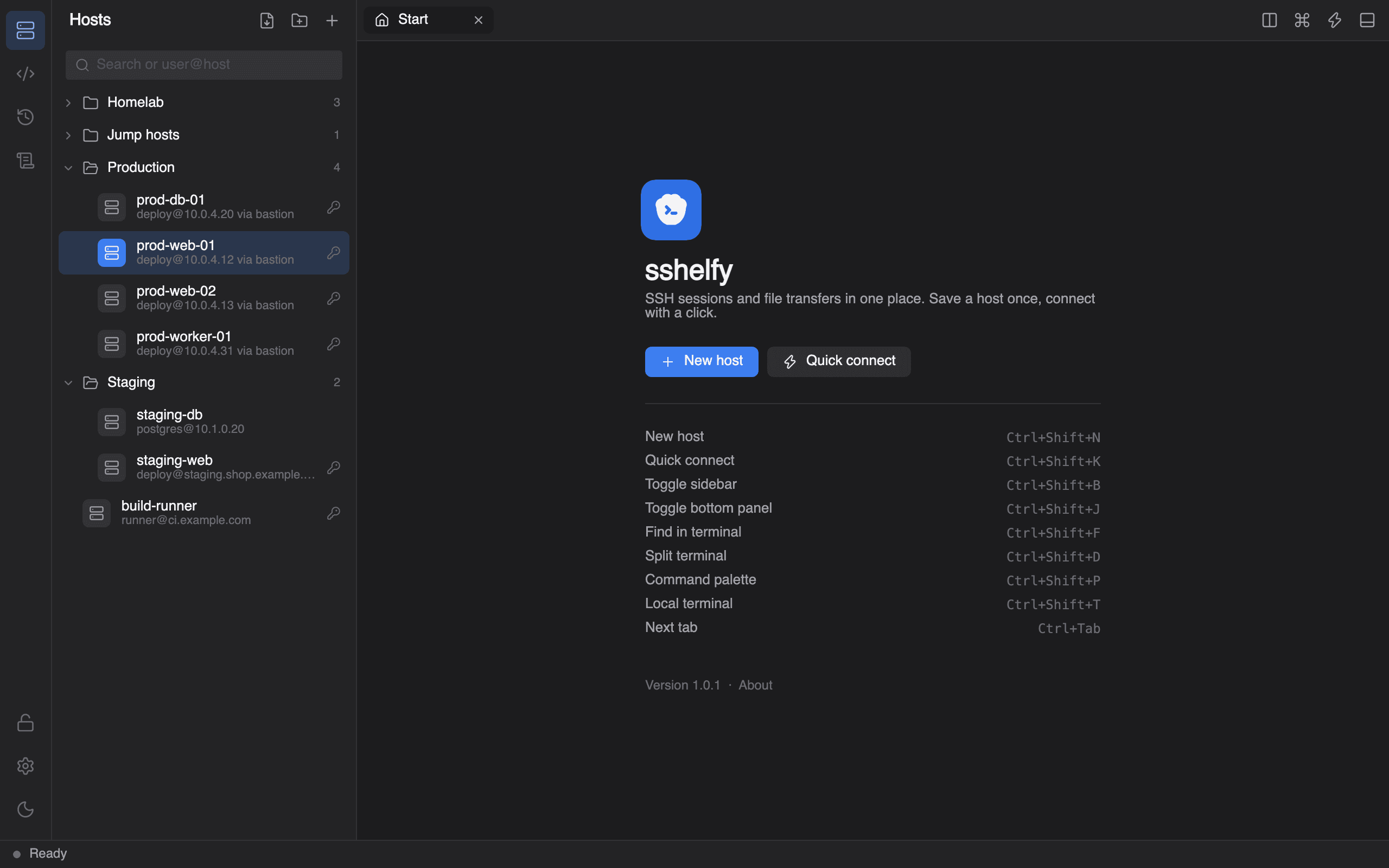
The SSH client to reach>_
One Windows app for your terminals, files and keys. Free, open source, and nothing leaves your computer.
Looking after servers became three apps and a text file of passwords.
One app.Terminal, files and keys, in sshelfy.
Terminal, files and keys. Finally in the same place.
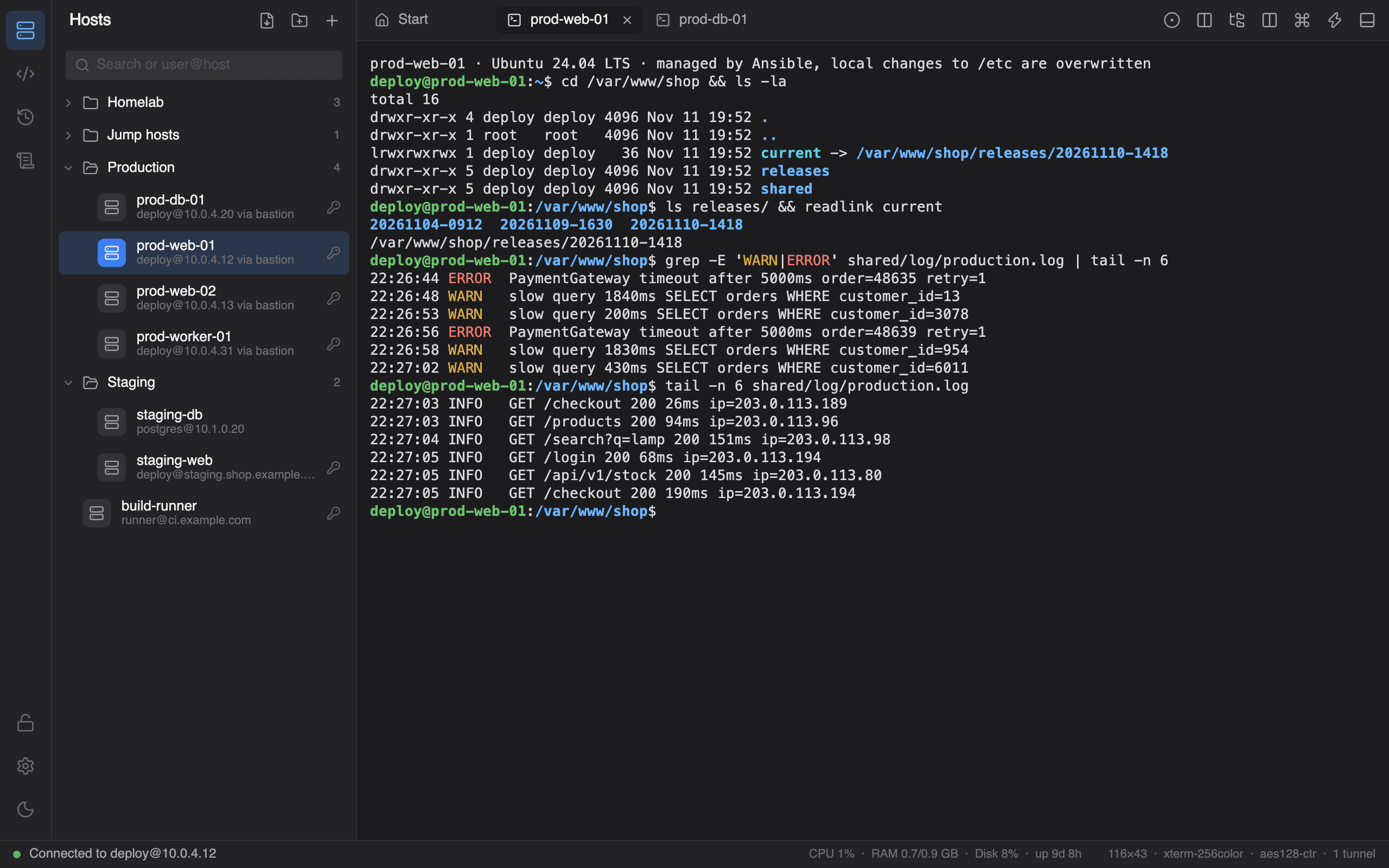
A terminal that keeps up
xterm-256color and truecolor, tabs, split panes with broadcast input, find with regex, reflow on resize.
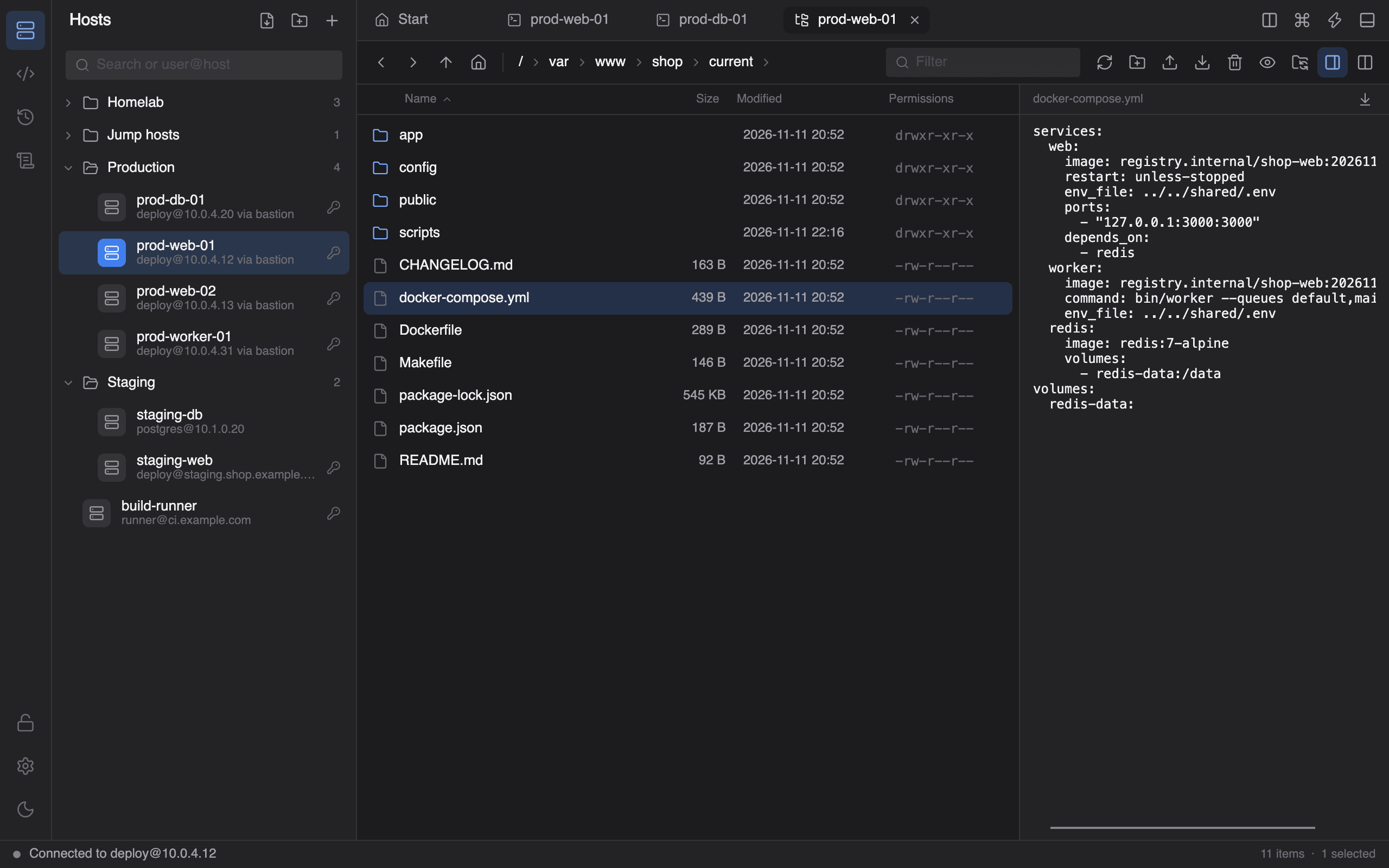
Files next to the shell
SFTP browser with preview, an editor tab and folder compare.
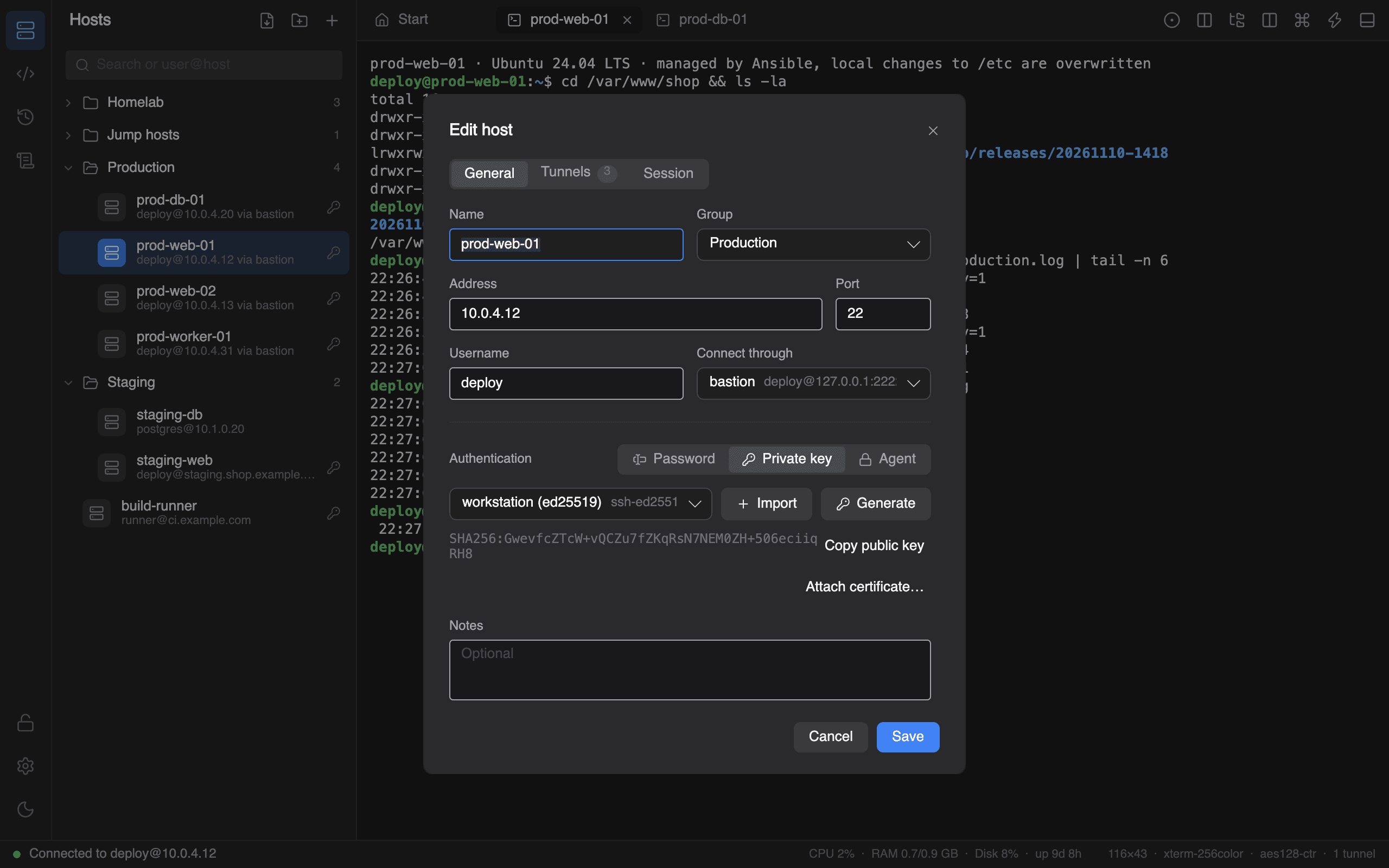
Keys in an encrypted vault
Import, generate and install SSH keys. Passwords never sit in plain text.
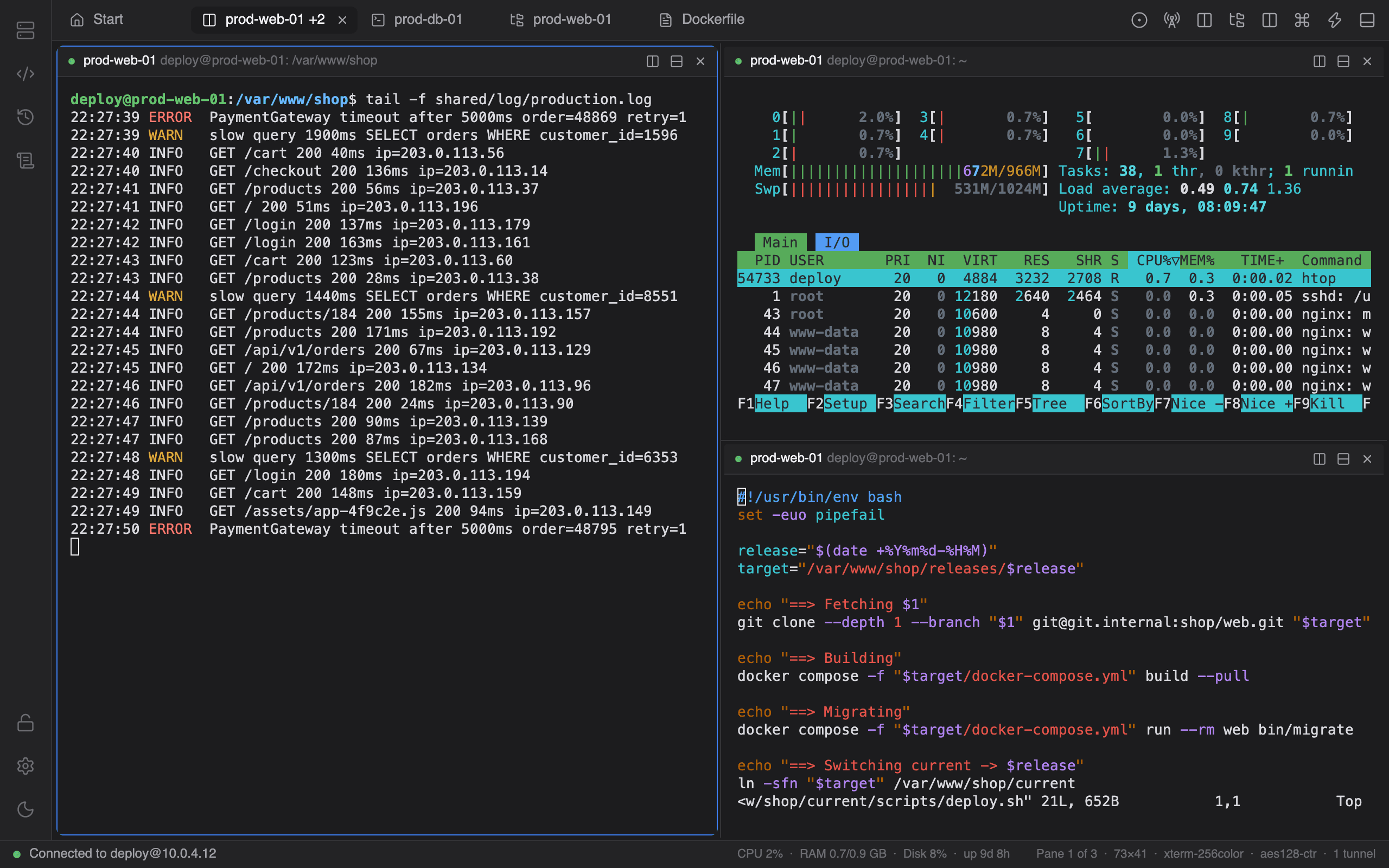
Split it
A log, htop and vim side by side on one server.
Small things, done properly.
The details you notice in the third week, when a tool either gets out of the way or starts to grate.
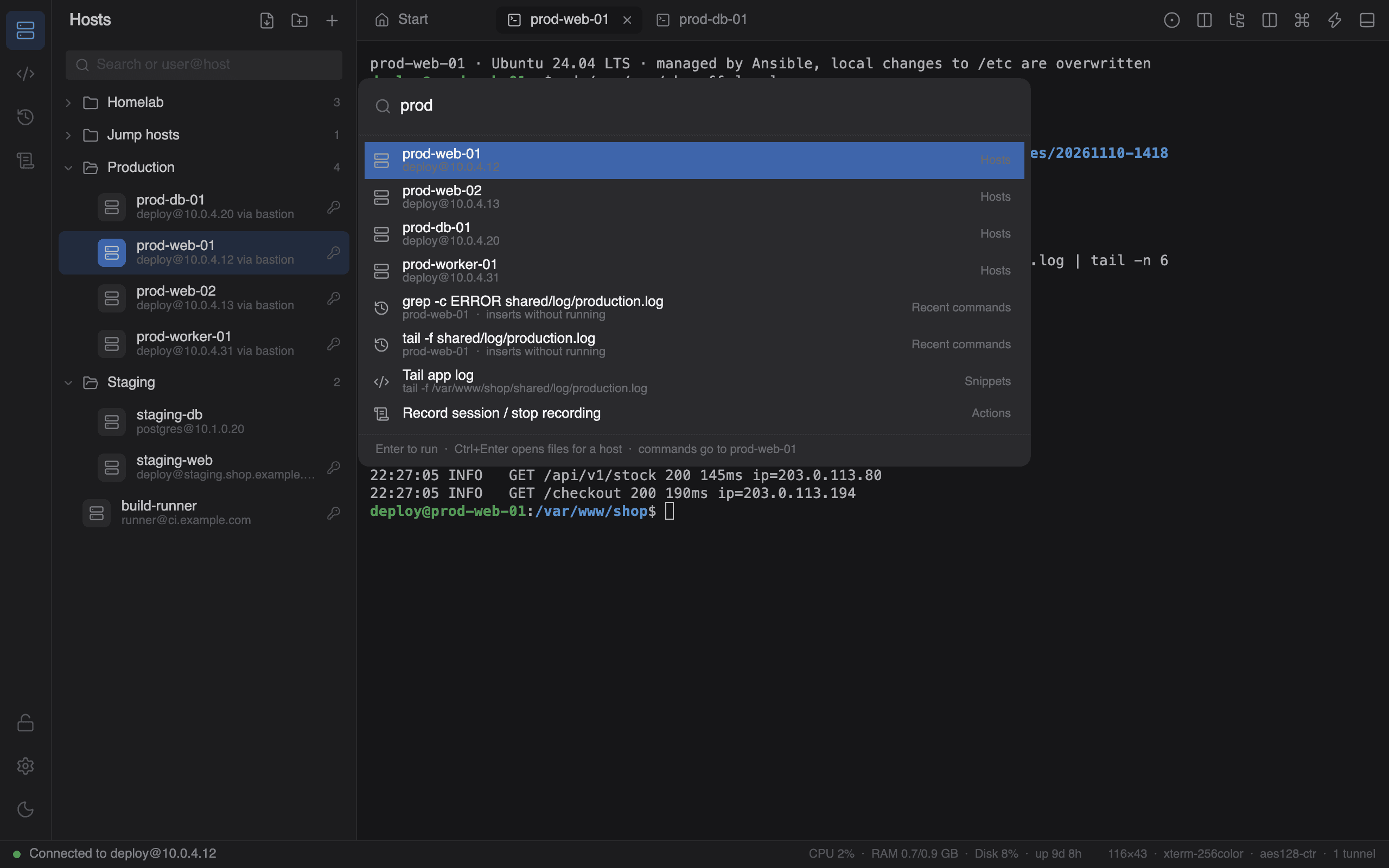
Command palette
Ctrl+Shift+P reaches hosts, snippets, recent commands and actions.
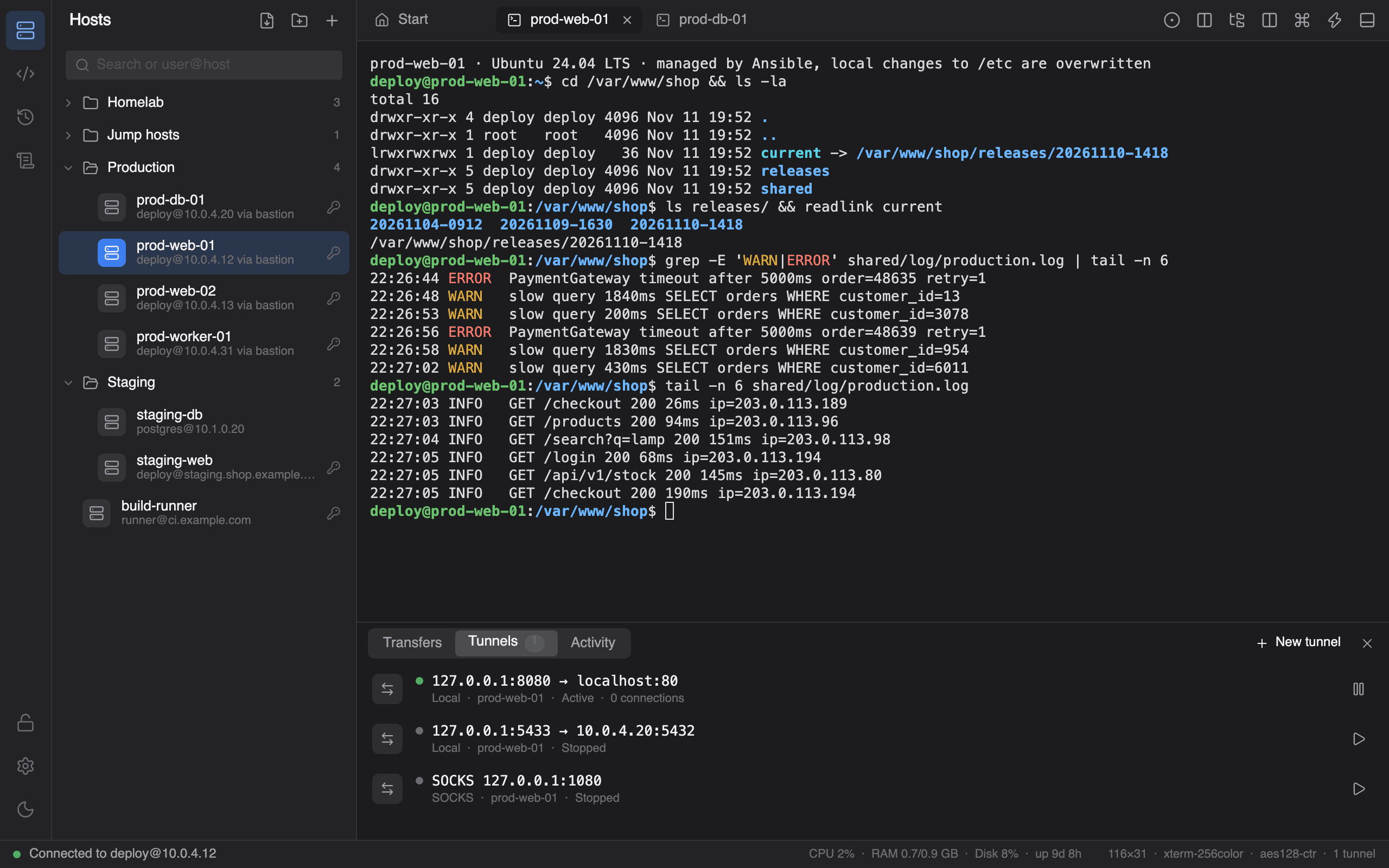
Port forwarding
Local, remote and SOCKS tunnels, saved per host or added to a live session.
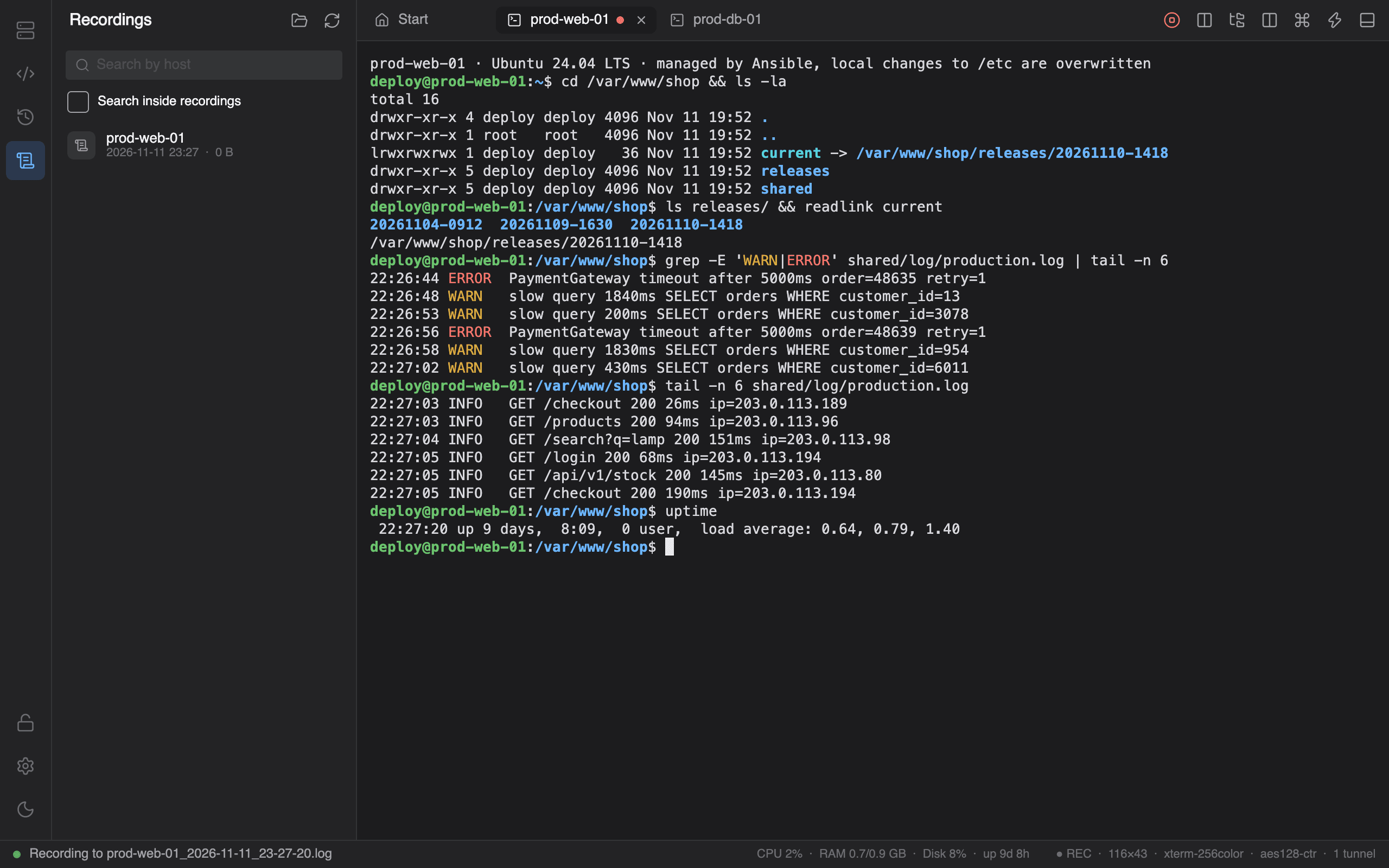
Session recording
Readable text or replayable asciicast, with size limits and retention.
Highlight rules
Regular expressions color matching output and can notify you from a background tab.
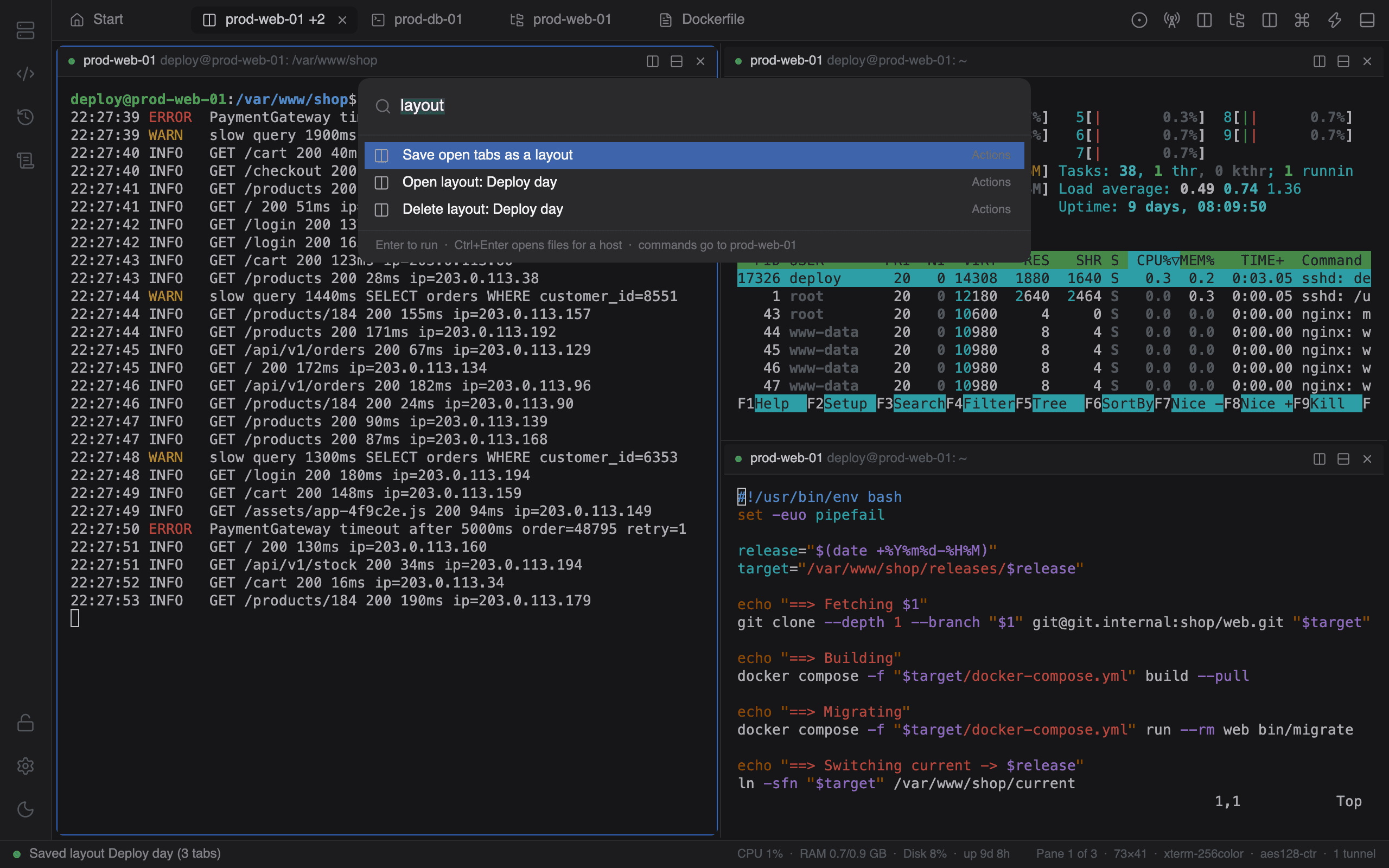
Saved layouts
Tabs and split panes stored under a name, reopened in one click.
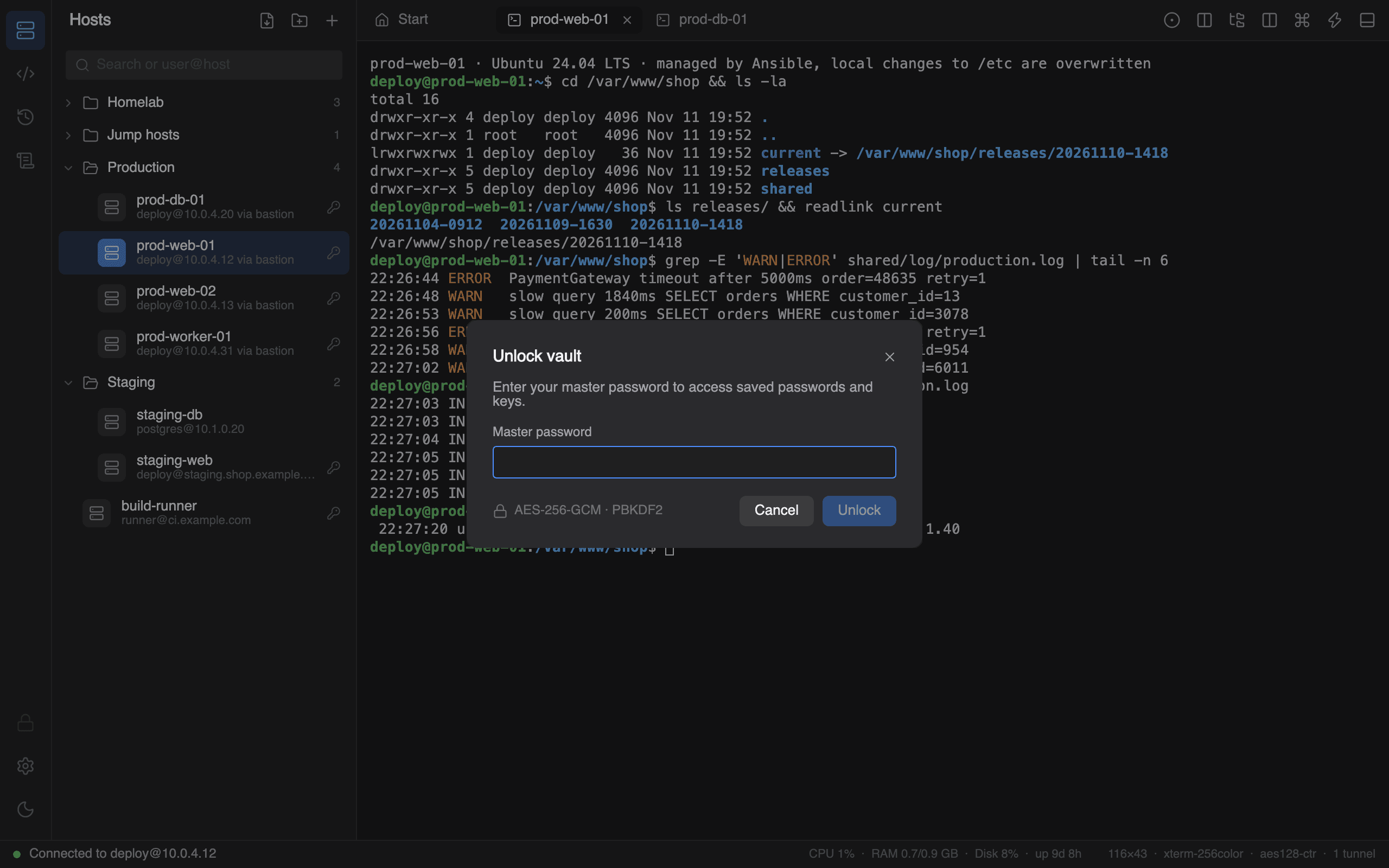
Ten color schemes built in
Or import from Windows Terminal, iTerm2 and base16 files. Scroll, or move the cursor across the terminal.
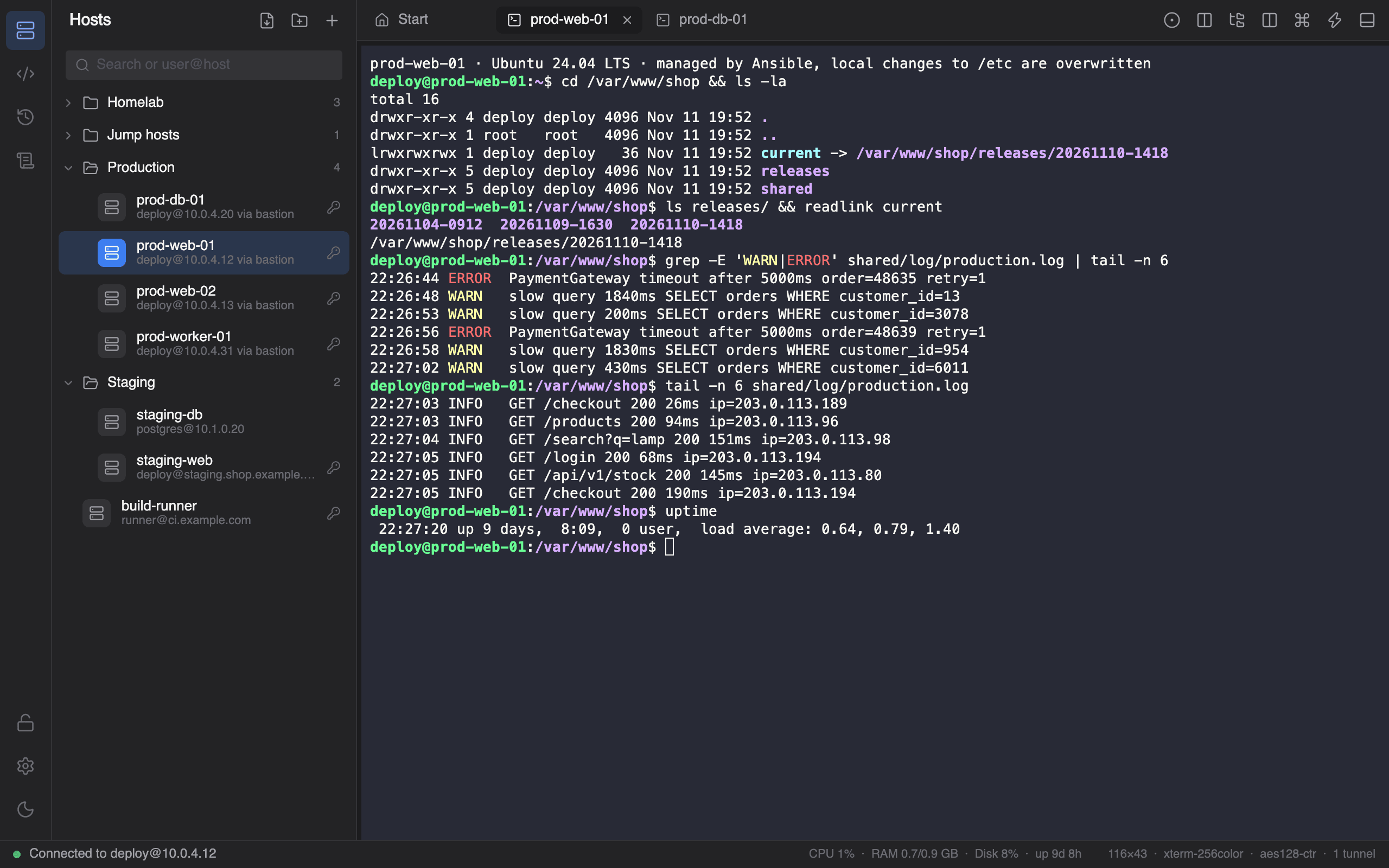
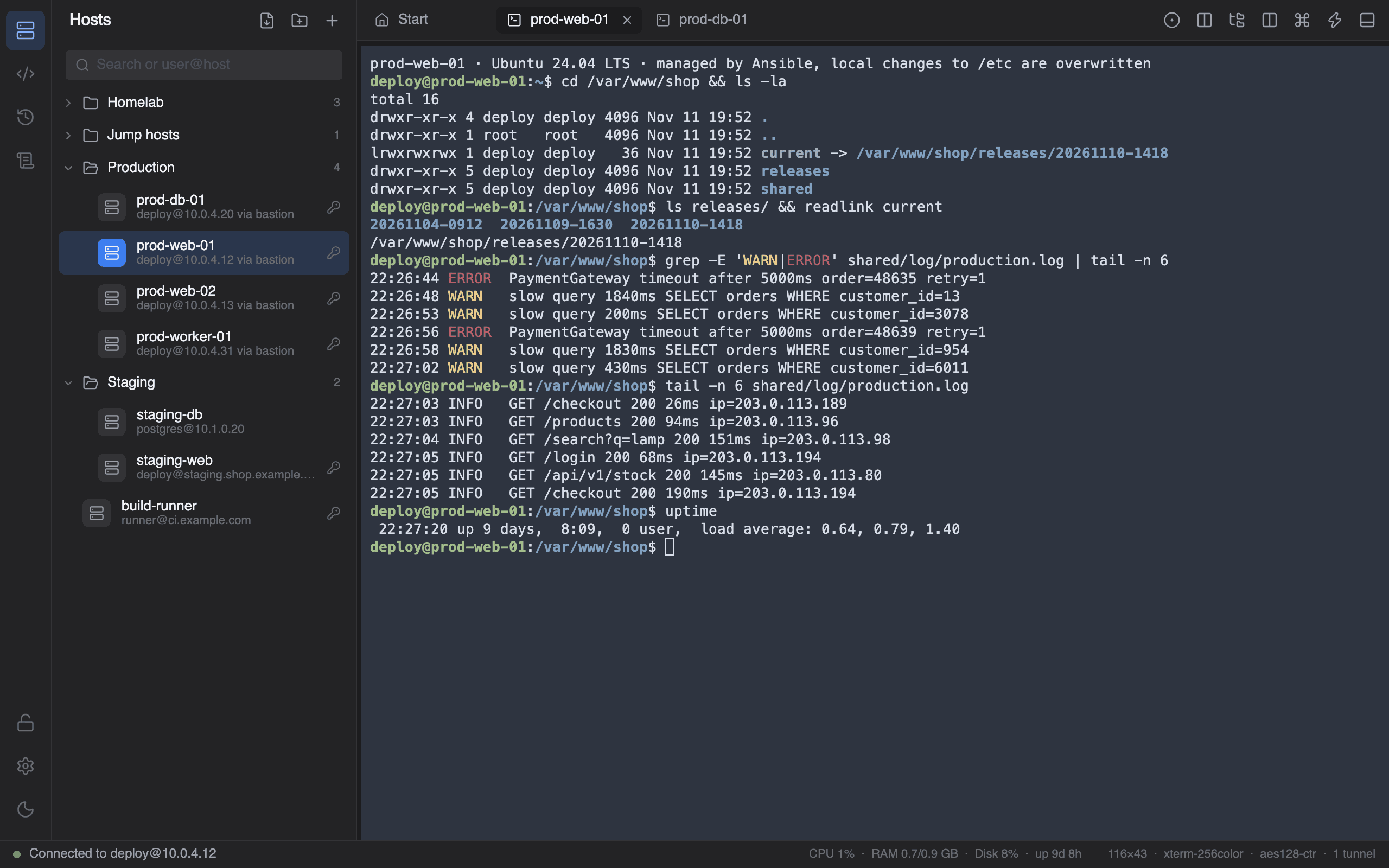
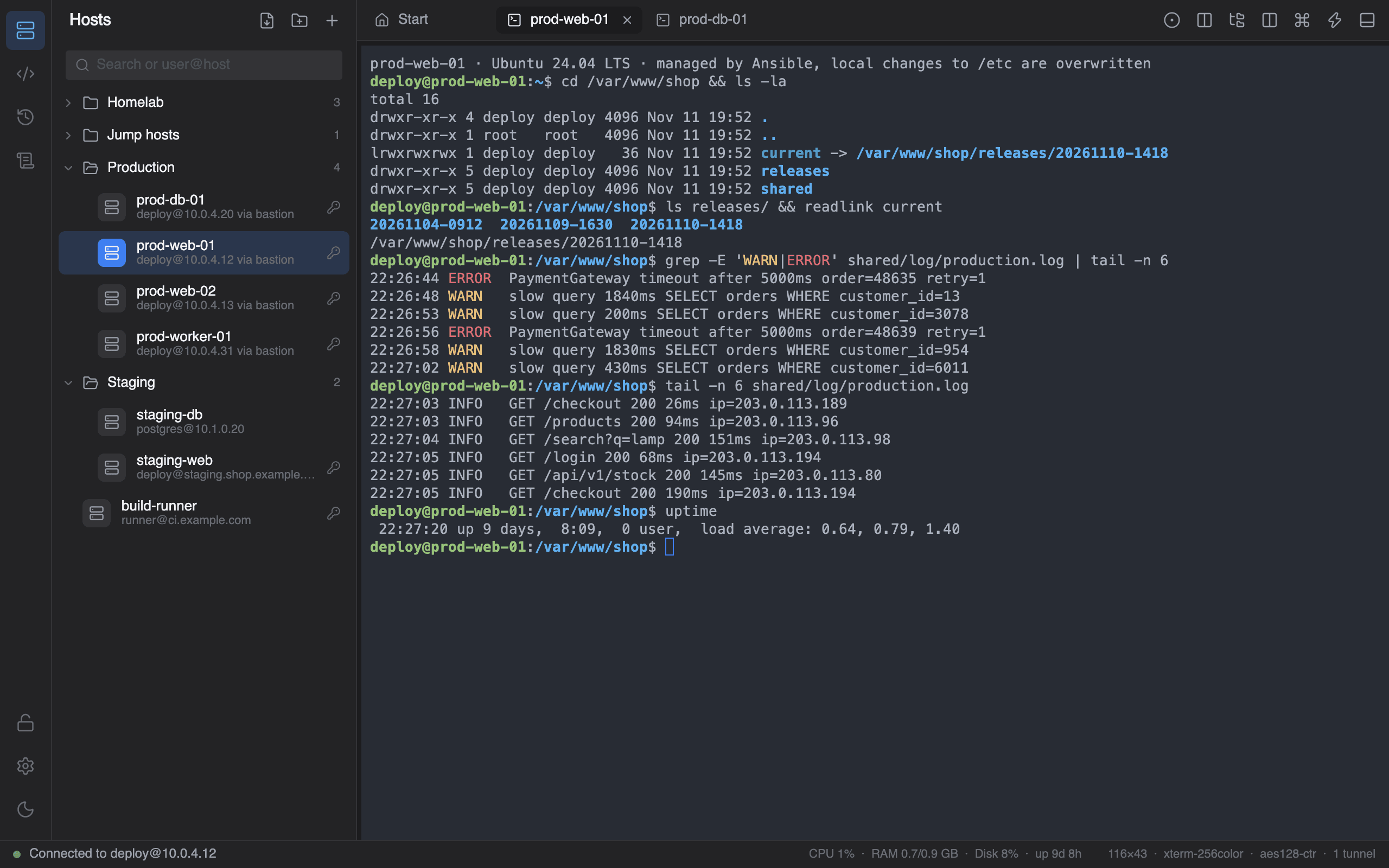
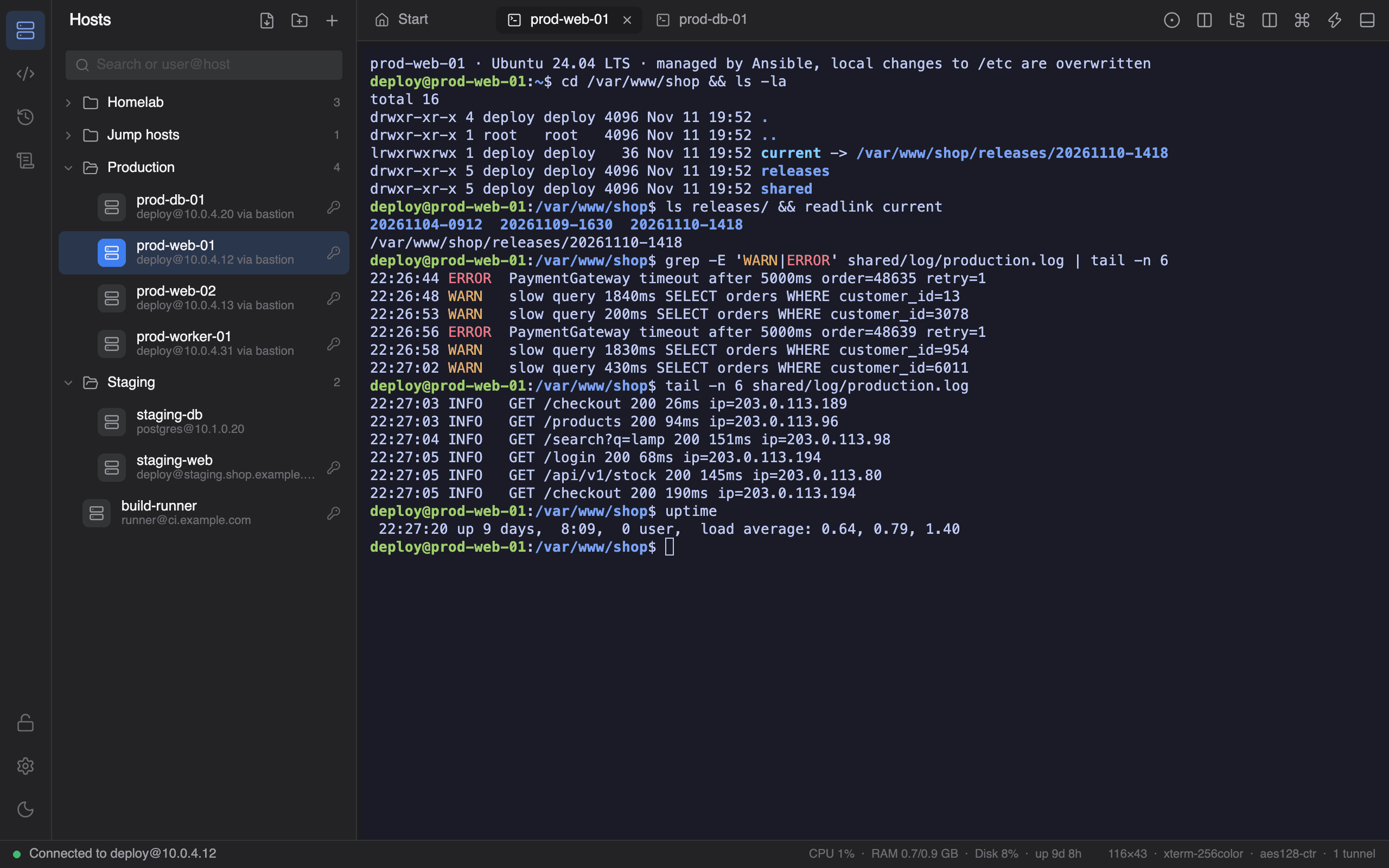
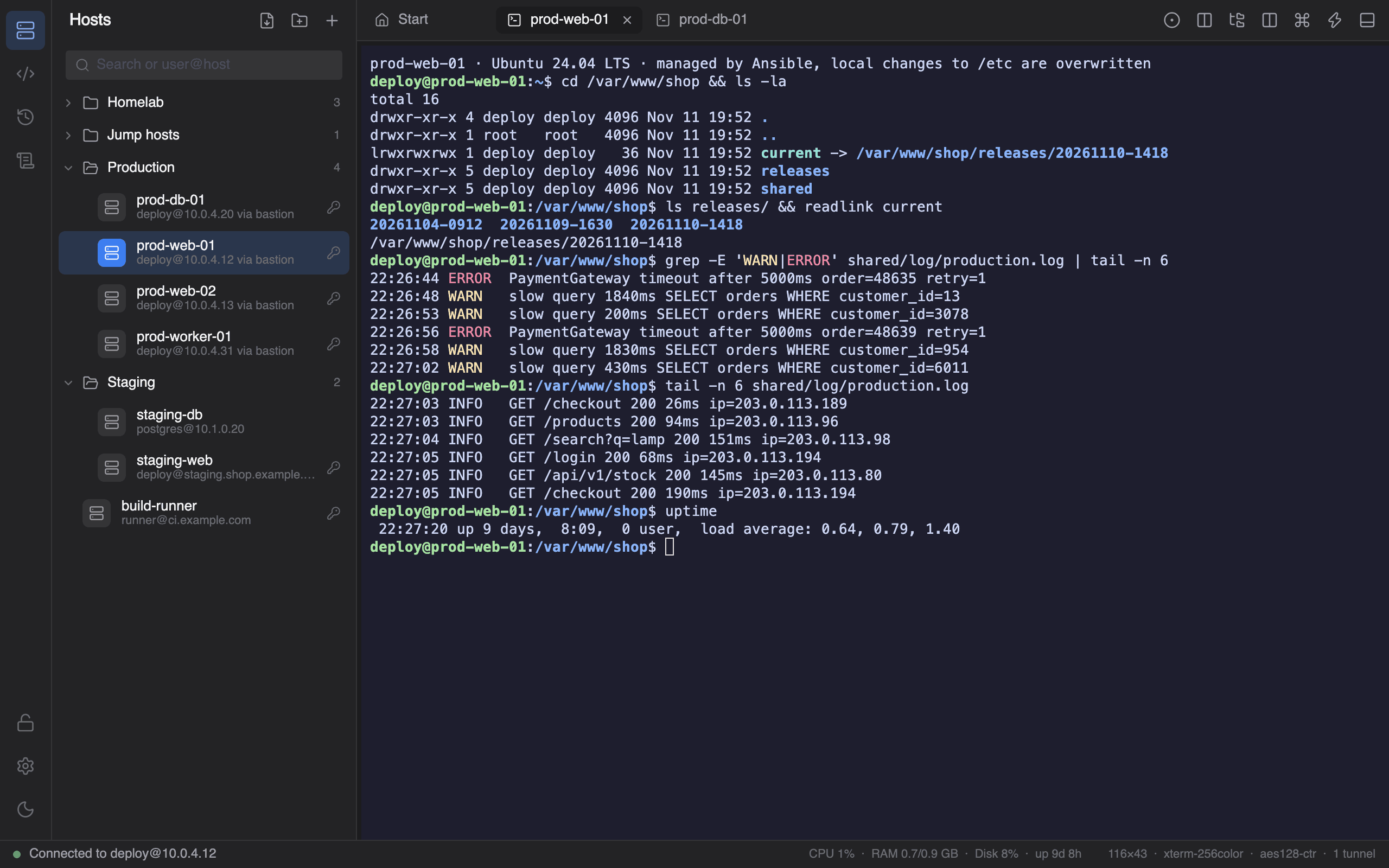
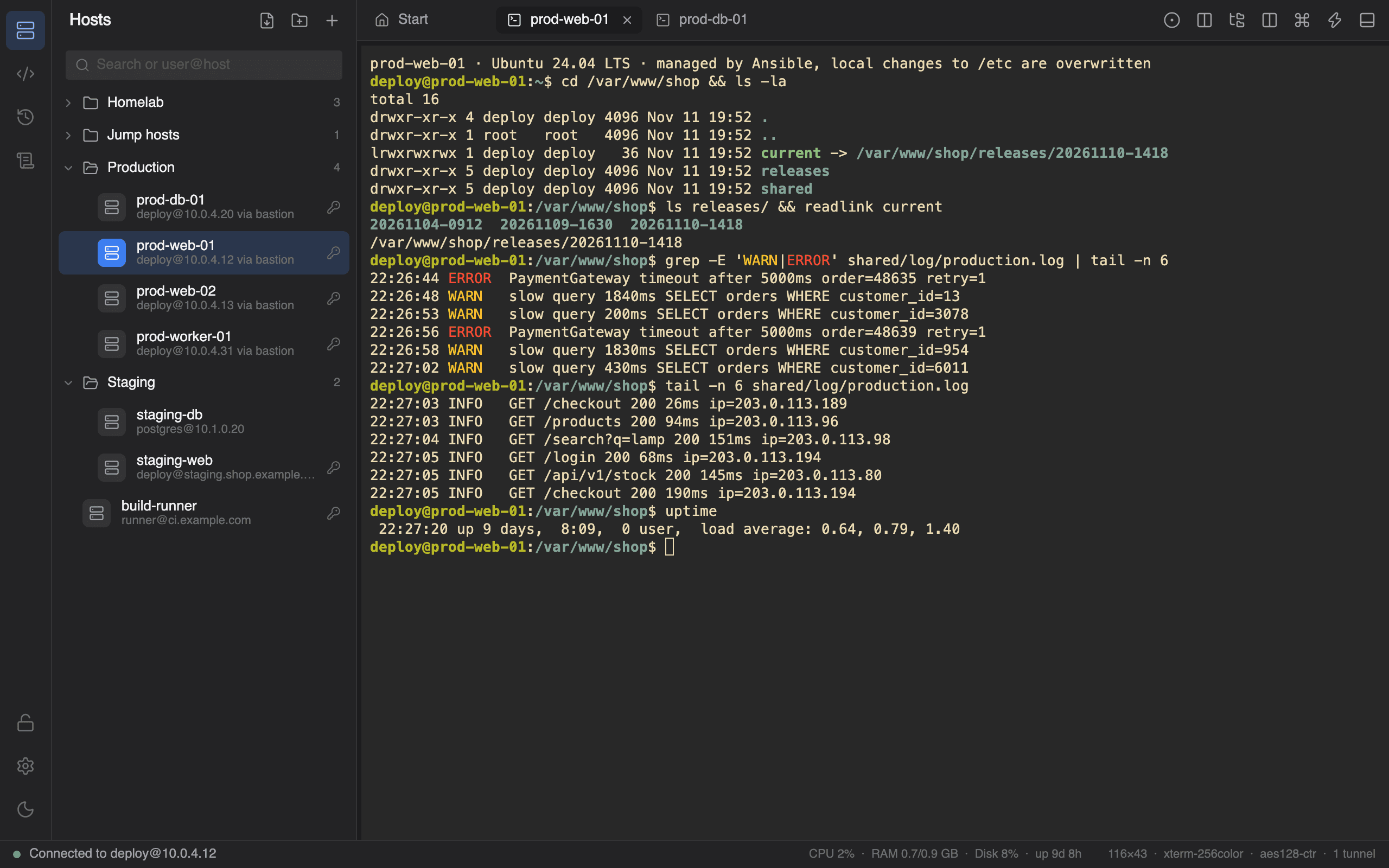
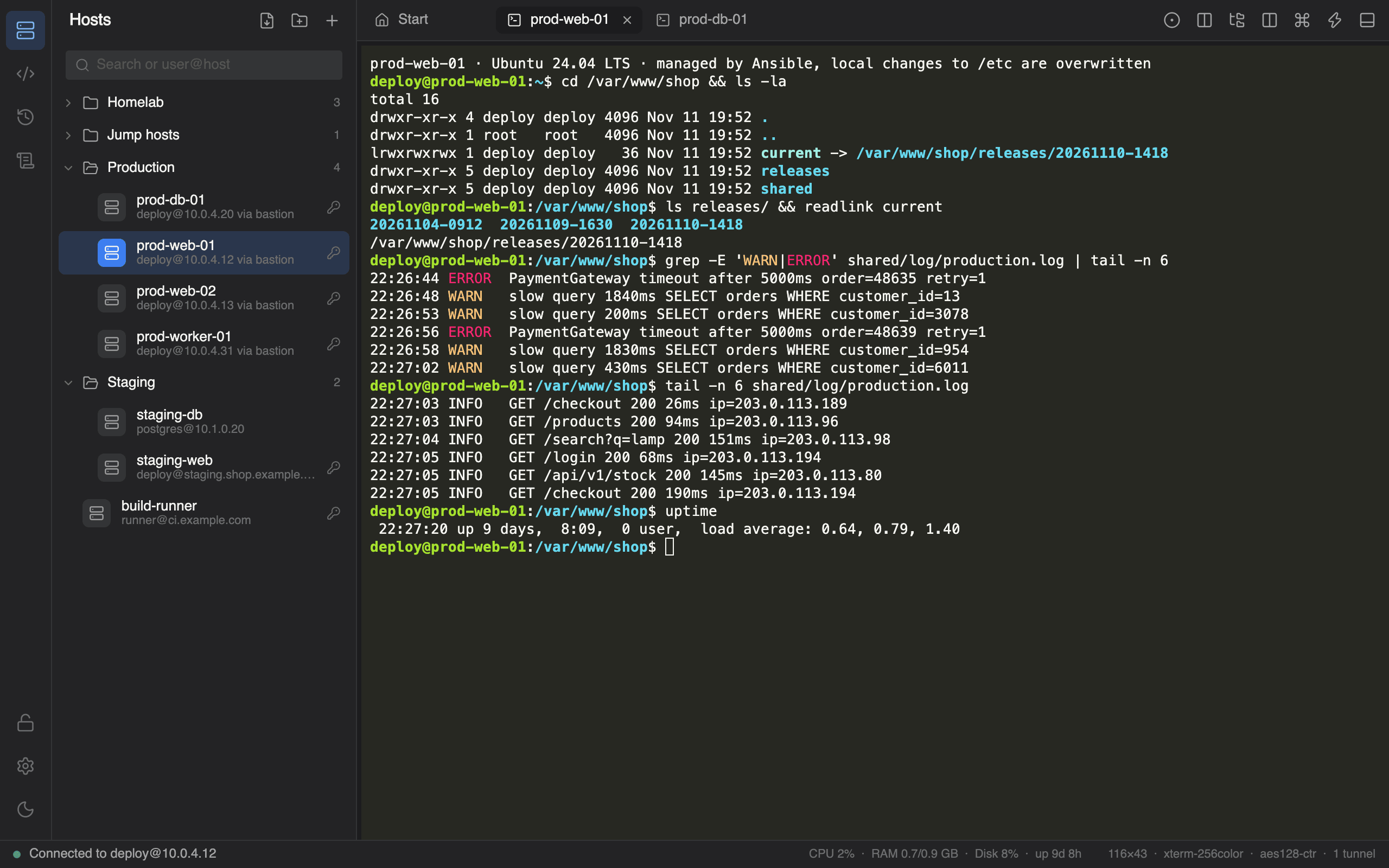
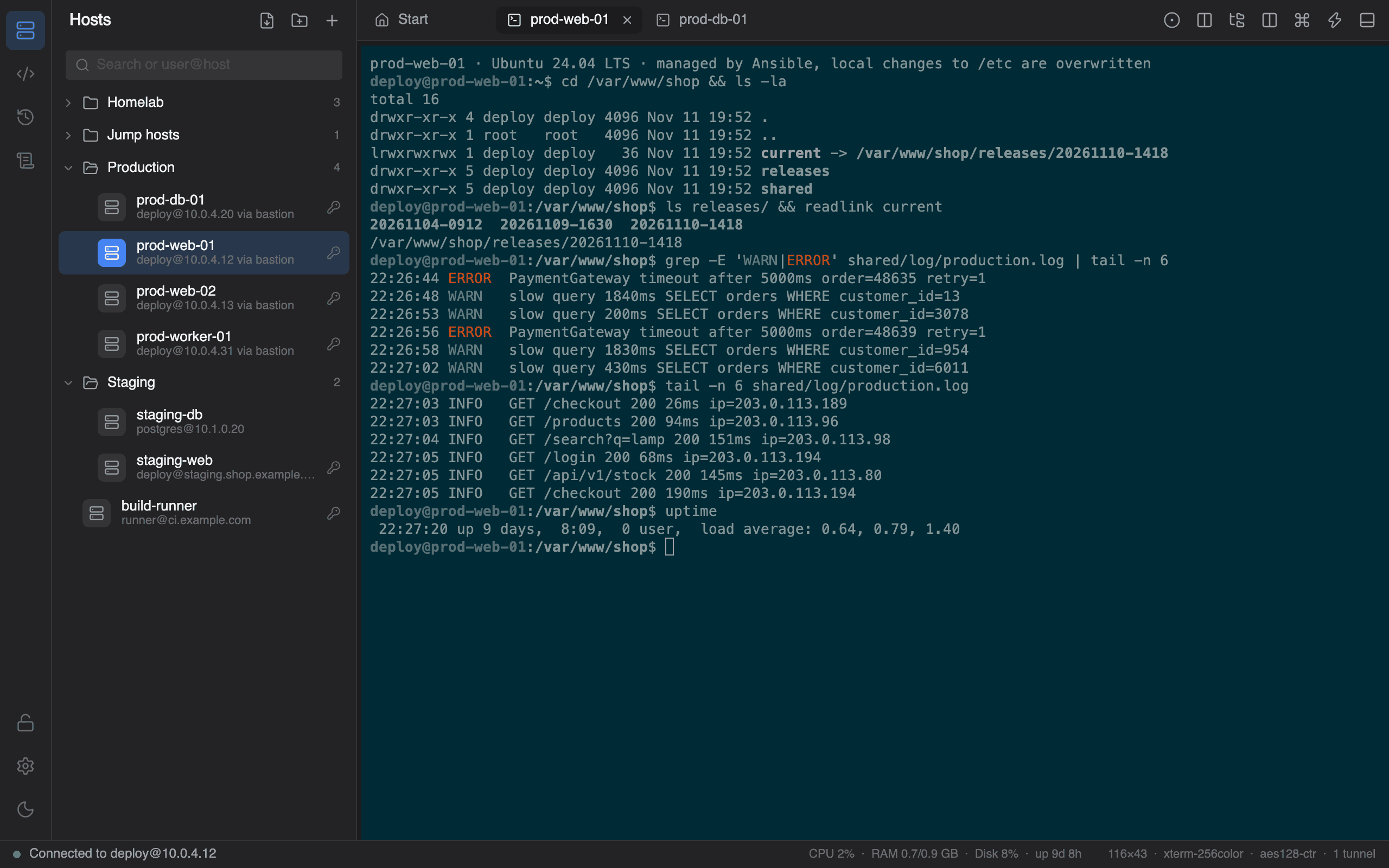
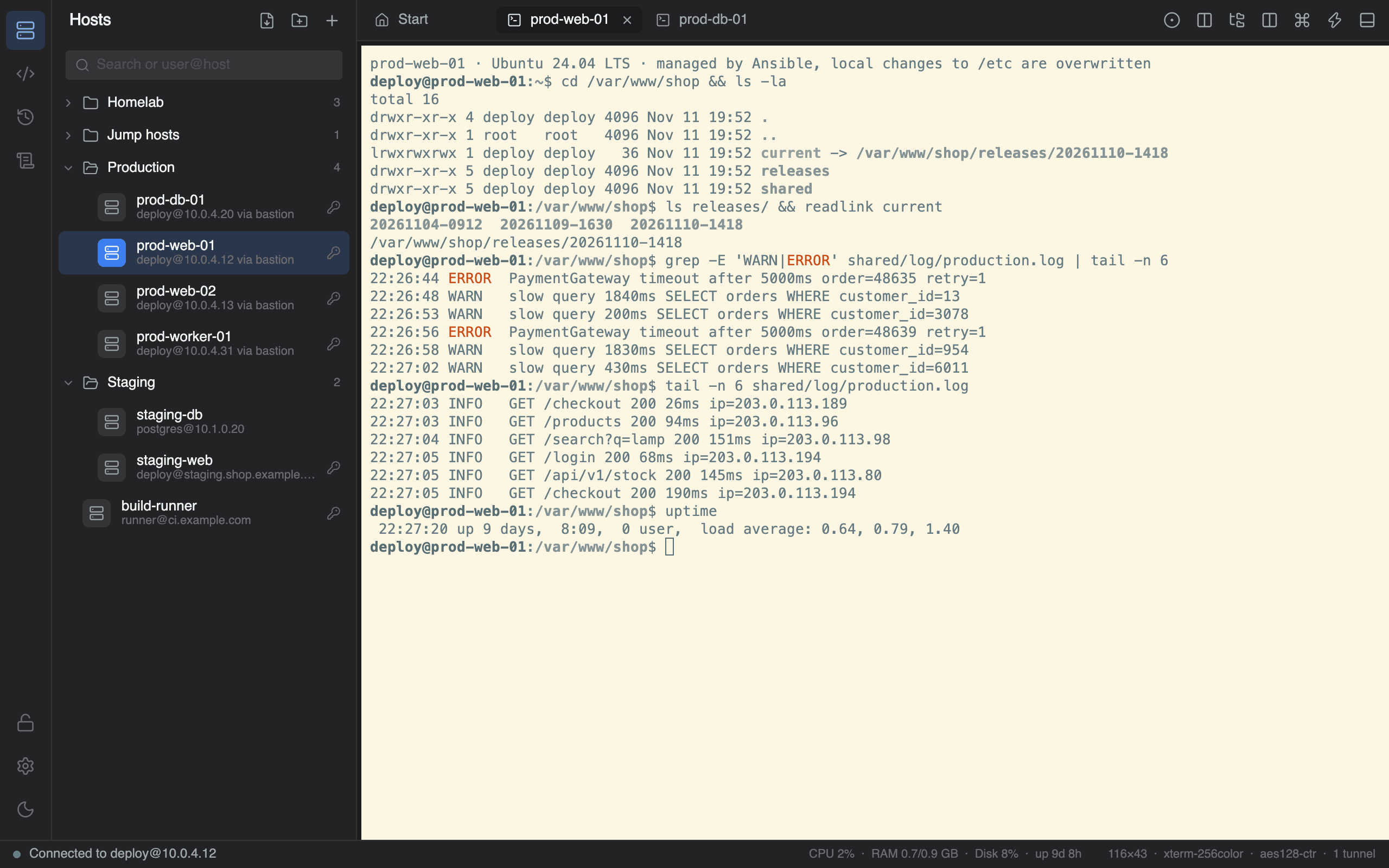
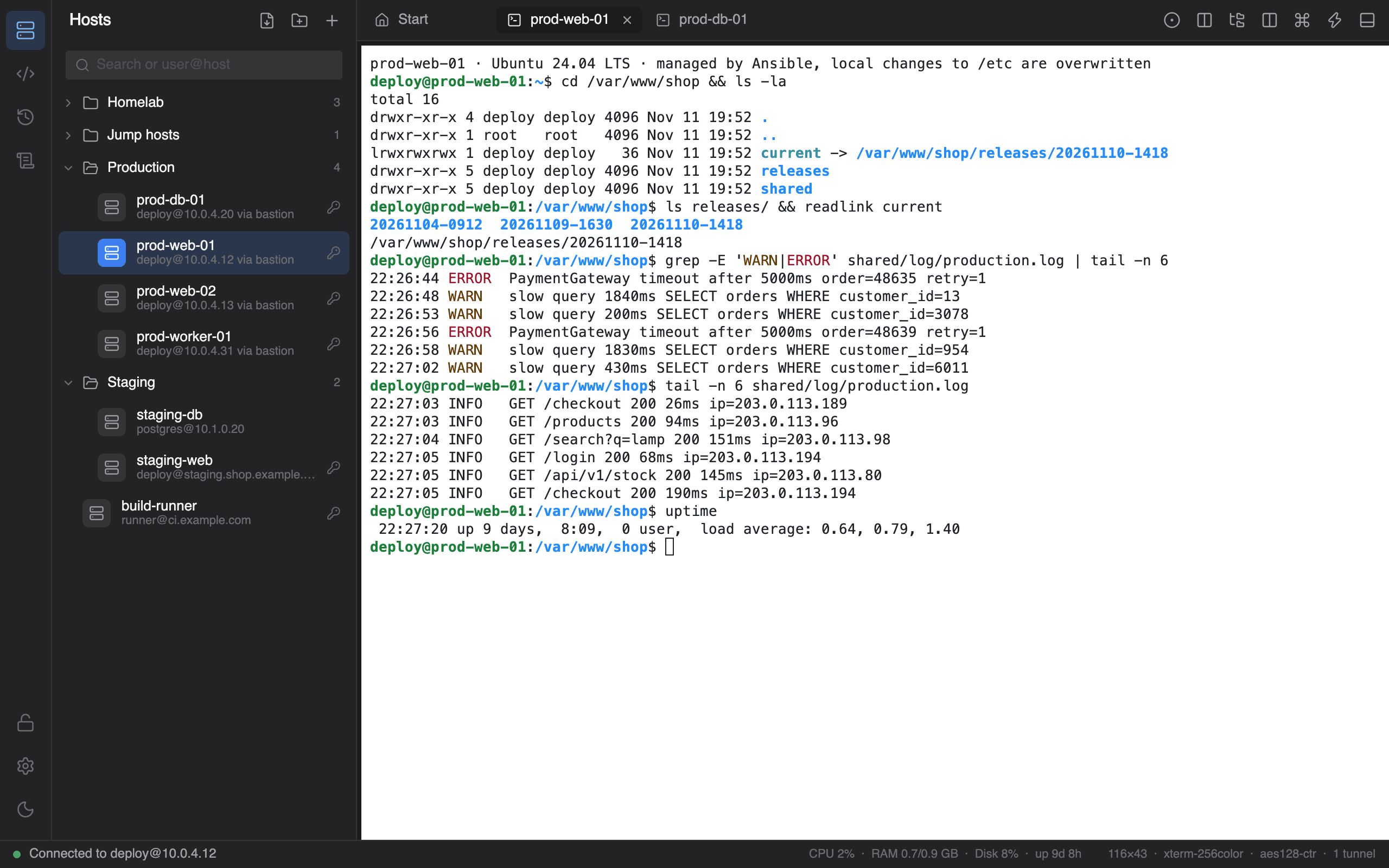
Follows your Windows theme. Or doesn't.
Drag across the window.
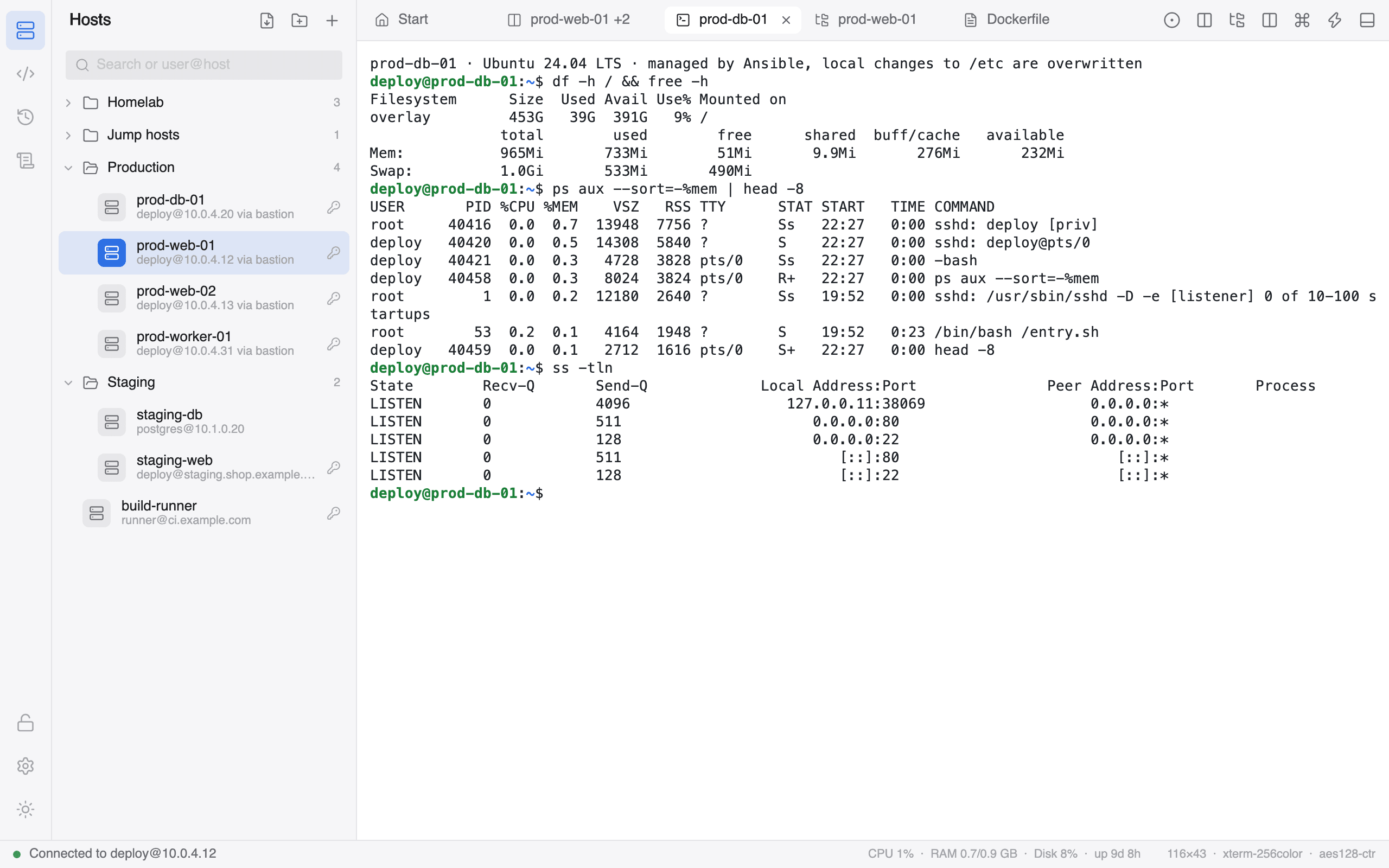
Your secrets stay on this side of the screen.
- 01
AES-256-GCM vault
Passwords and private keys live only in vault.json, encrypted on your computer behind a master password.
- 02
A key only you can derive
The vault key comes from PBKDF2-HMAC-SHA256, or from a TPM-bound Windows Hello key.
- 03
Trust on first use
The first connection shows the server's fingerprint. A changed host key stops the connection before it starts.
- 04
Nothing phones home
No account, no telemetry. The only request is an optional update check on GitHub, and you can switch it off.
Up and running in a minute.
Download
Grab the latest release from GitHub. One file, no installer, no .NET to set up.
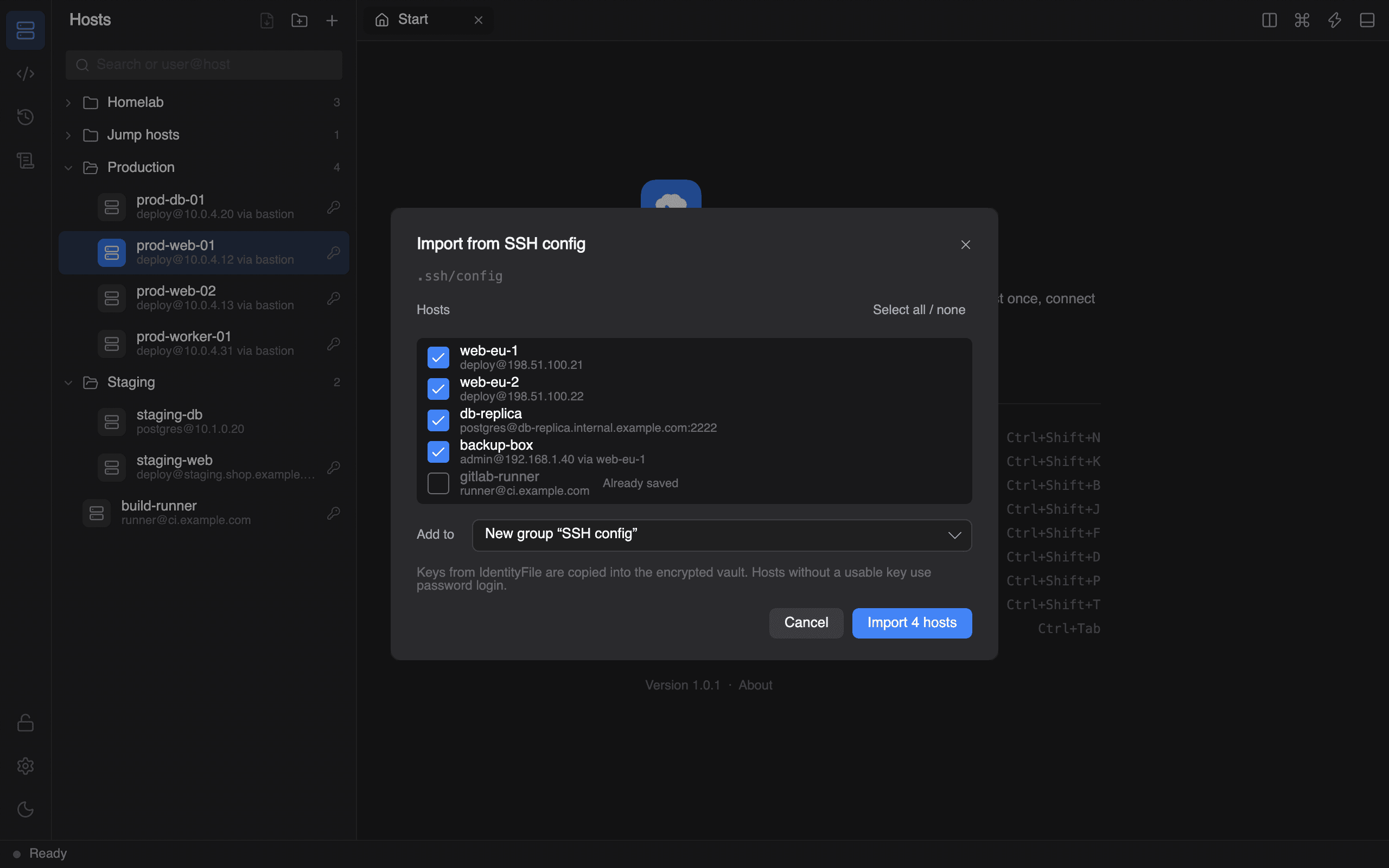
Import
Bring hosts and keys from ~/.ssh/config, known_hosts and PuTTY, or add them by hand.
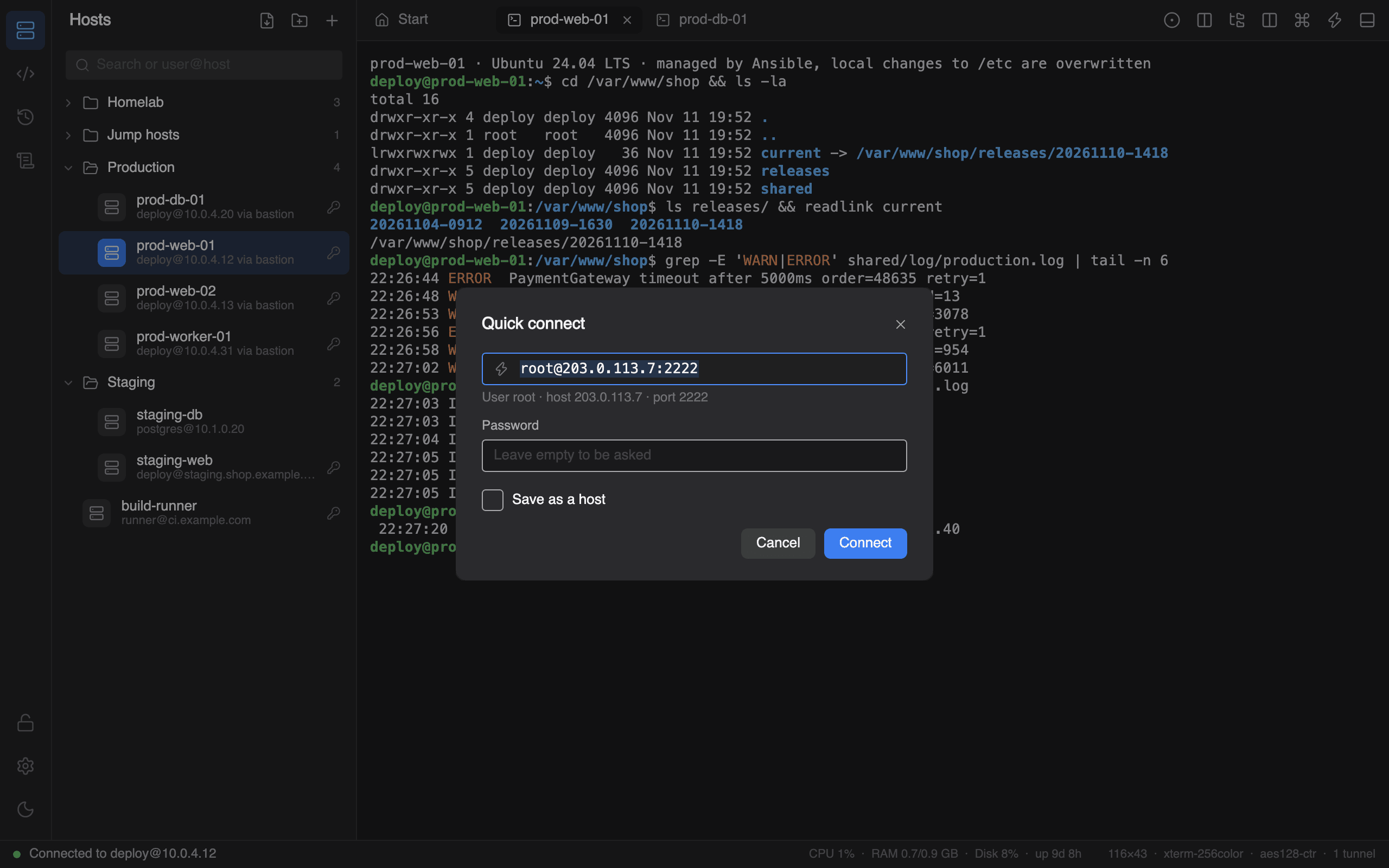
Connect
Type user@host:port or pick a host and press Enter. That's it.
Built in the open. Check every claim.
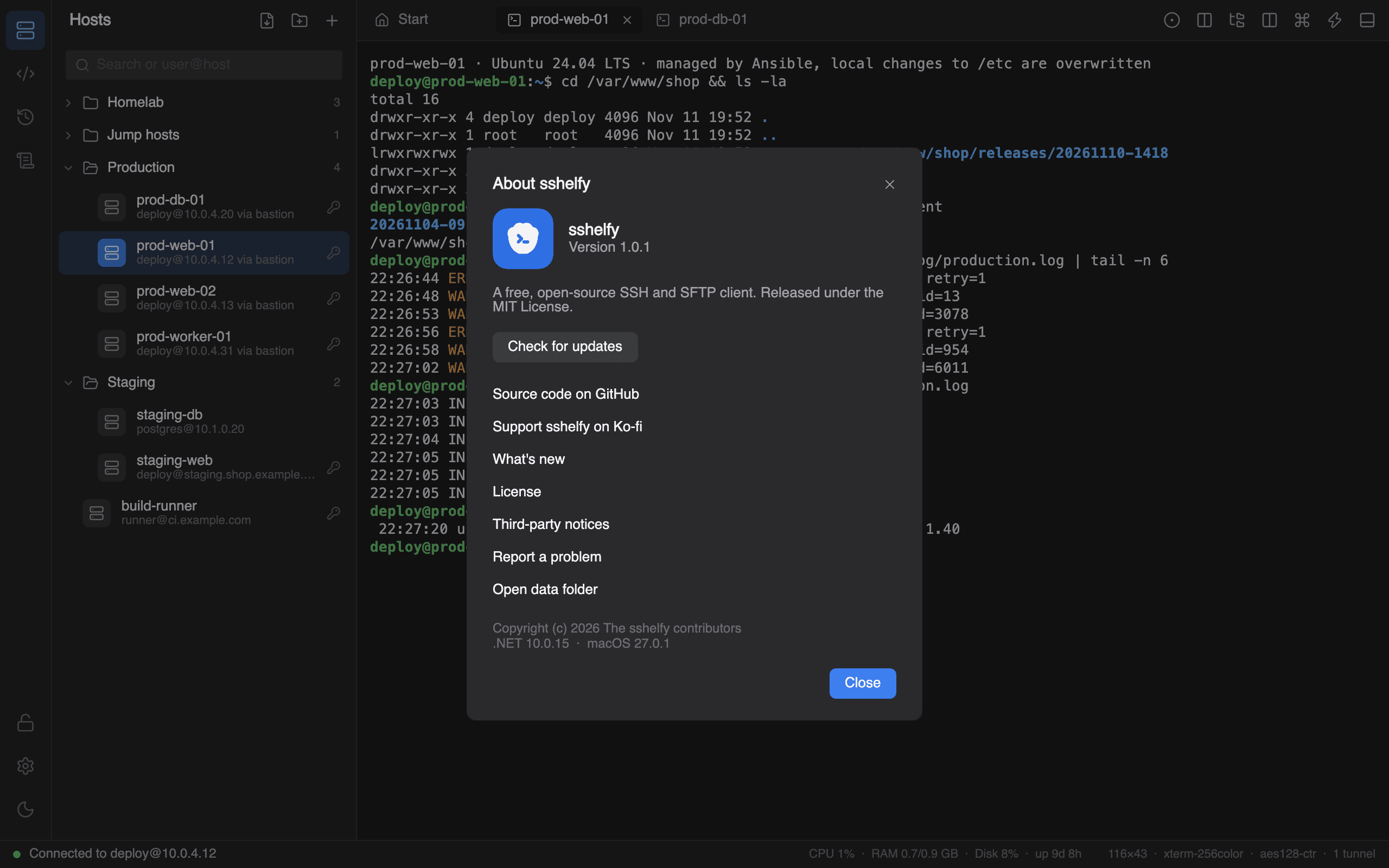
sshelfy is MIT licensed. Read the code, build it yourself and see exactly what it does with your keys.
- 01Is sshelfy really free?
- Yes. It is MIT licensed, has no paid tier and needs no account. The source is on GitHub.
- 02Where are my passwords and keys stored?
- In an encrypted vault on your computer (AES-256-GCM, key derived with PBKDF2 or a TPM-bound Windows Hello key). Hosts are saved without secrets.
- 03Can I bring my hosts from OpenSSH or PuTTY?
- Import ~/.ssh/config (with Include, wildcards, IdentityFile and ProxyJump) and known_hosts. PuTTY and OpenSSH private keys both work.
- 04Do I need to install .NET first?
- No. The release is a single self-contained .exe for Windows 10 and 11.
- 05Does it work with an SSH agent or a security key?
- Yes: Pageant, the OpenSSH agent for Windows or SSH_AUTH_SOCK, and FIDO2 keys (ed25519-sk, ecdsa-sk) through the Windows OpenSSH client.